



Facilitation
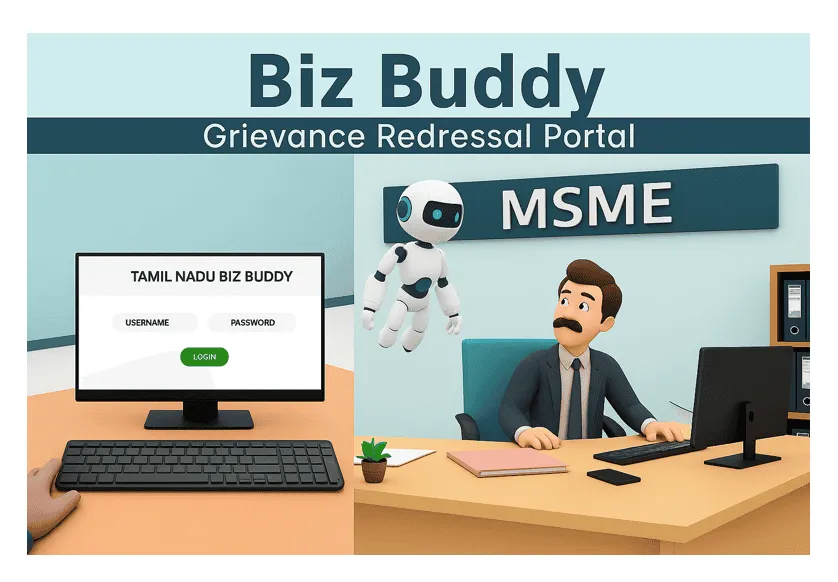
Biz Buddy
Help desk for businesses to raise unresolved issues with Tamil Nadu government departments for prompt resolution.

Approvals
Resolves issues related to pre/post operation approvals such as building permits, water connection, and no-objection.
Operational Clearances
Resolves issues and challenges faced by investors in a time-bound and accountable manner
Approvals
Resolves issues related to pre/post operation approvals such as building permits, water connection, and no-objection.
Operational Clearances
Resolves issues and challenges faced by investors in a time-bound and accountable manner
Steps to Apply
Follow the step-by-step process to submit and track your Help Call through the Biz Buddy portal. Ensure all prerequisites are met before initiating your application.
Understand Rules & Requirements
An authorized representative of an MSME who has submitted an application and remains unresolved beyond the prescribed timeline by the concerned department can submit the help call.
Accept the Declaration
Confirm you are authorized to represent the company. Declare that the issue was raised earlier and remains unresolved. Also confirm that the issue is not currently under judicial consideration.
Verify Mobile Number via OTP
Enter your 10-digit mobile number to receive a one-time password (OTP) for verification. If the OTP is not received within 2 minutes, use the "Resend OTP" option.
Fill Personal Details
Provide your name, email address, and upload a valid employee ID proof (PNG, JPG, JPEG, or PDF under 2MB). These details will be saved for future use with the same mobile number.
Provide Company Details
Enter complete company information. MSMEs must provide a valid UAM number. Large industries can skip the UAM field. Mandatory fields include company name, MD name, registration numbers, and contact details.
Submit Help Call Details
Select issue type, sector, and subject from dropdowns. Mention how you were referred to the portal. Enter investment and employment details, and provide a short summary of the issue.
Enter Previous Filing Details
Provide the date and details of your earlier attempt to resolve the issue. Include the department/agency contacted, file number (if any), and upload the acknowledgement copy.
Review and Submit
Carefully review all personal, company, and Help Call details. Use the "Back" button to edit any section before final submission.
Receive Confirmation
After submission, you will receive confirmation via SMS and email. A unique ticket number will be generated for tracking your Help Call.
Track Help Call Status
Monitor the status of your Help Call by entering your ticket number or mobile number on the tracking page.